Headless WordPress Architecture Prompt for ChatGPT
Turns a frontend framework and site type into a full headless WordPress implementation plan REST vs. GraphQL, data-fetching strategy, hosting, and a working code snippet for pulling posts.
Act as a senior full-stack developer scoping a headless WordPress build.
The frontend framework is "{frontend_framework}". The site type is
"{site_type}".

Produce an implementation plan with these sections:
1. API layer recommendation — REST API or WPGraphQL, with a clear reason
   tied to this specific site type (not a generic pros/cons list)
2. Data-fetching strategy — static generation, incremental static
   regeneration, or server-side rendering, and why, given how often this
   site type's content changes
3. Required WordPress-side setup — plugins needed (if WPGraphQL), CORS/auth
   considerations, and any content-modeling notes specific to this site type
4. Hosting recommendation for both the WordPress backend and the frontend,
   with one sentence on why this pairing works well together
5. A working code snippet in {frontend_framework} that fetches and displays
   a list of posts from the chosen API layer
6. One common pitfall specific to this site type and how to avoid it

Write the code snippet so it actually runs with minimal modification —
real endpoint structure, not pseudocode.Variables
| Placeholder | Example | What changes if you alter it |
|---|---|---|
| {Frontend_framework} | Next.js | The frontend tech the site is built in determines the code snippet syntax and hosting fit. |
| {site_type} | high-traffic news blog with daily new posts | What the site actually is drives the data-fetching strategy and content-modeling advice. |
Actual output, by model
Real output this exact prompt produced — not a description of what it might do.
Full 6-section implementation plan as provided, including diagrams,
plugin list, content model, hosting pairing, working Next.js/WPGraphQL
code snippet, and the stale-cache pitfall.
Which model runs this best
ChatGPT delivered all 6 required sections with specific, site-type-tied reasoning rather than generic advice the WPGraphQL and ISR recommendations were both justified against the "daily-publishing, high-traffic" constraint specifically, and the code snippet used real WPGraphQL query syntax and valid Next.js App Router server-fetch patterns rather than pseudocode, meeting the prompt's explicit "must actually run" requirement.
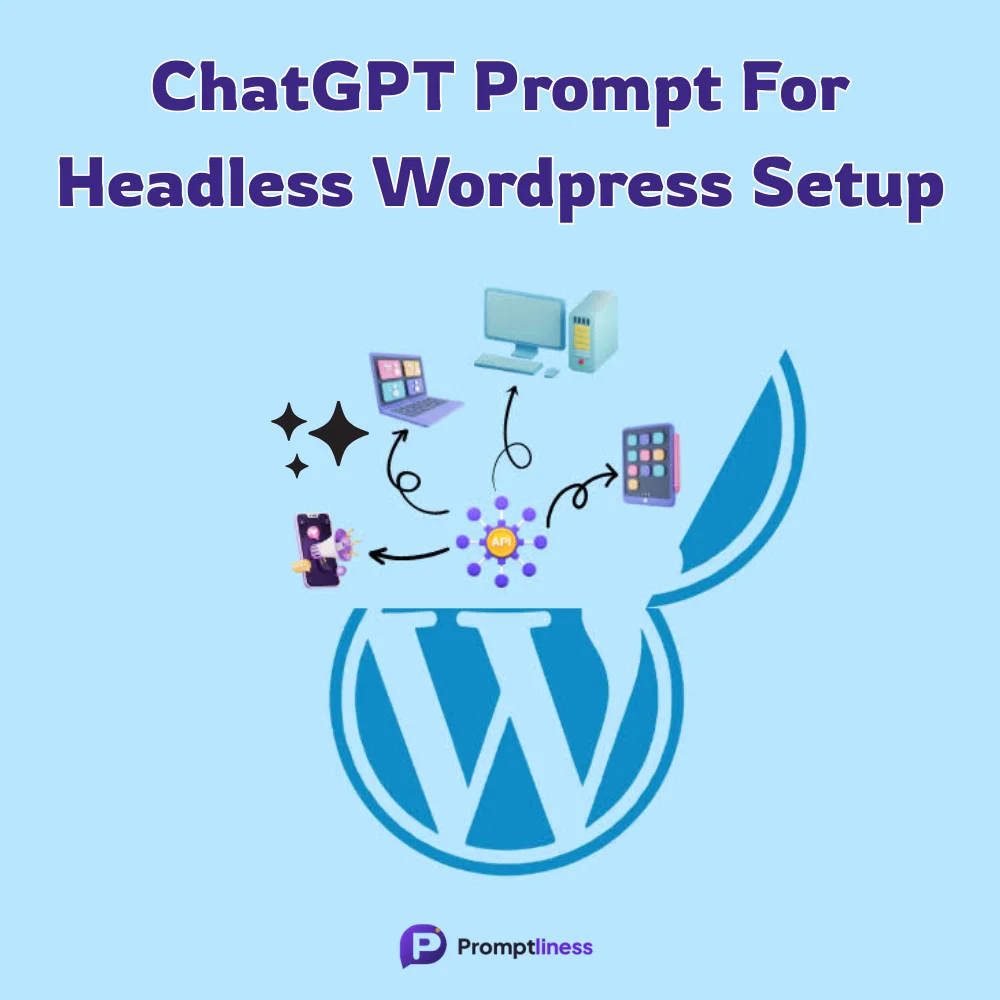
Builds a full headless WordPress architecture plan API choice, data-fetching strategy, hosting, and a working starter code snippet for your specific framework and site type.
How To Use
- Replace {frontend_framework} with what you're building the frontend in (e.g. "Next.js," "Nuxt," "Astro")
- Replace {site_type} with what the site actually is (e.g. "high-traffic news blog," "small business marketing site with 20 pages")
- Paste into ChatGPT
- Test the returned code snippet against a real WordPress install before building further on top of it
Pro Tips
- ★Before committing to WPGraphQL, check whether your content uses Advanced Custom Fields or a page builder those need extra plugins (like WPGraphQL for ACF) to expose that data, and it's easy to miss until you're mid-build
- ★If your site type involves frequent content updates (news, active blogs), push back on a pure static-generation answer and ask the model to reconsider ISR or on-demand revalidation instead
- ★Run this once per real project, not once for a general reference a news site and a static marketing site should never get the same caching strategy
FAQs
Sources & further reading
Articles, websites, and tools this prompt draws on or recommends.
No Perfect Match?
Generate a custom prompt built around your profession, AI model and goal.
Generate a Prompt →Headless WordPress Architecture Prompt for ChatGPT Description⌄
“Should I go headless?” usually isn’t the hard part the hard part is the string of decisions right after: REST API or WPGraphQL, static generation or server-rendered, where content previews fit in, which host actually supports this setup cleanly. Most generic prompts answer with a vague “it depends” and a link dump. This one is built to force an actual decision, with reasoning, plus a real starting code snippet not just theory.
It’s aimed at developers and technical founders scoping a headless rebuild who want a defensible starting architecture before they open a single terminal window, and freelancers who need to explain the trade-offs to a client in plain terms.
What makes it hold up:
- REST vs. GraphQL is answered as a decision with a stated reason, not left open : because “it depends” is true but useless to someone trying to start building today
- A real code snippet is required output, not optional : so this produces something testable in the first ten minutes, not just an architecture essay
- {frontend_framework} and {site_type} are separate variables, so a content-heavy blog and a headless ecommerce catalog on the same framework get genuinely different caching and data-fetching guidance, not the same generic answer reworded
One honest limit: this plan is a strong starting architecture, not a replacement for testing your actual content model against it see the Pro tips for the one thing to check before committing.
Version history
- September 26, 2026Baseline entry first test of this prompt with frontend_framework="Next.js",
Send me your AI wisdom
One email a week: new prompts worth using, and what's changed across the models.
Leave a reply